Questions
Does my audio leave my computer?
No. Titl recognises speech on your own computer, so the audio is never sent over the internet, not to us and not to anyone else. Translation also happens on your computer. See the privacy policy.
Why does a muted tab open?
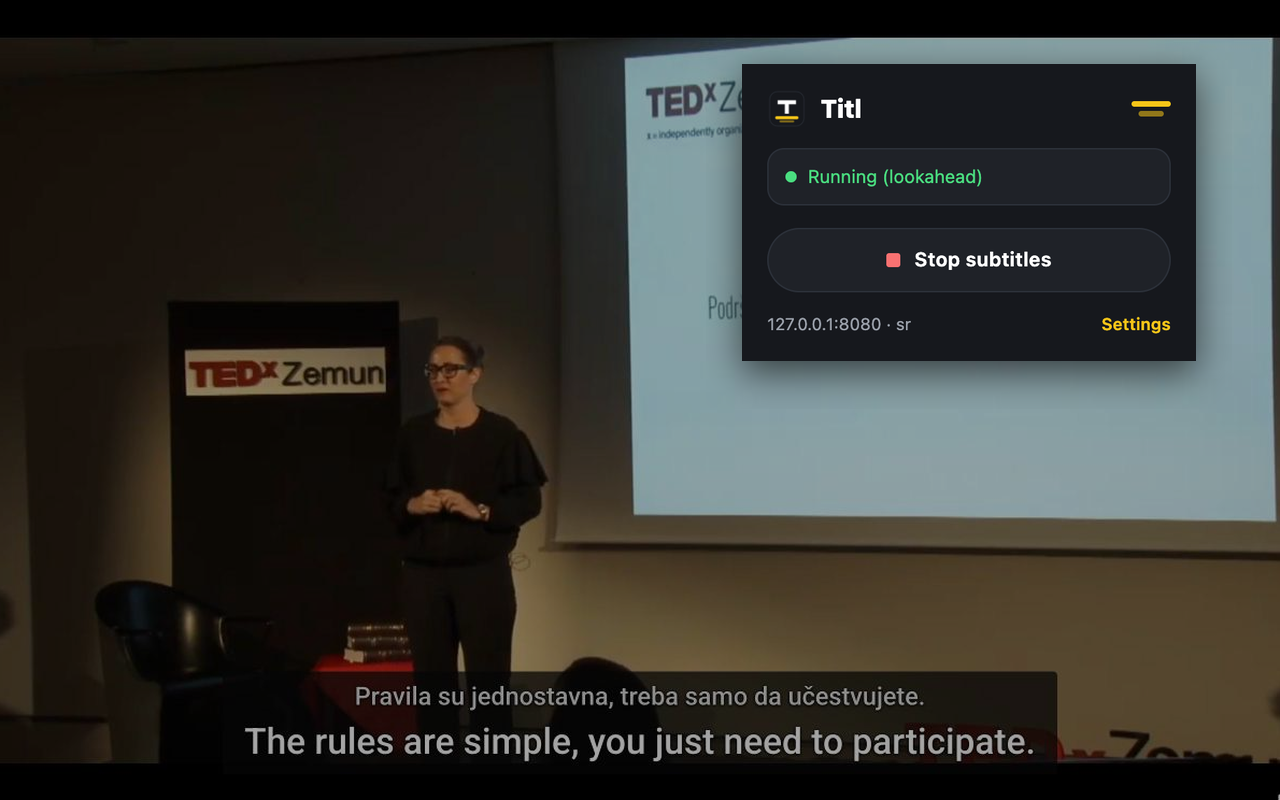
To show subtitles on time, Titl plays a silent copy of the video a few seconds ahead. It's tucked away in a collapsed grey Titl tab group and closes when you stop.
Which languages work?
About 100 spoken languages. Translation goes into about 36 languages with Chrome's built-in translator (Chrome 138 or newer).
How does translation work?
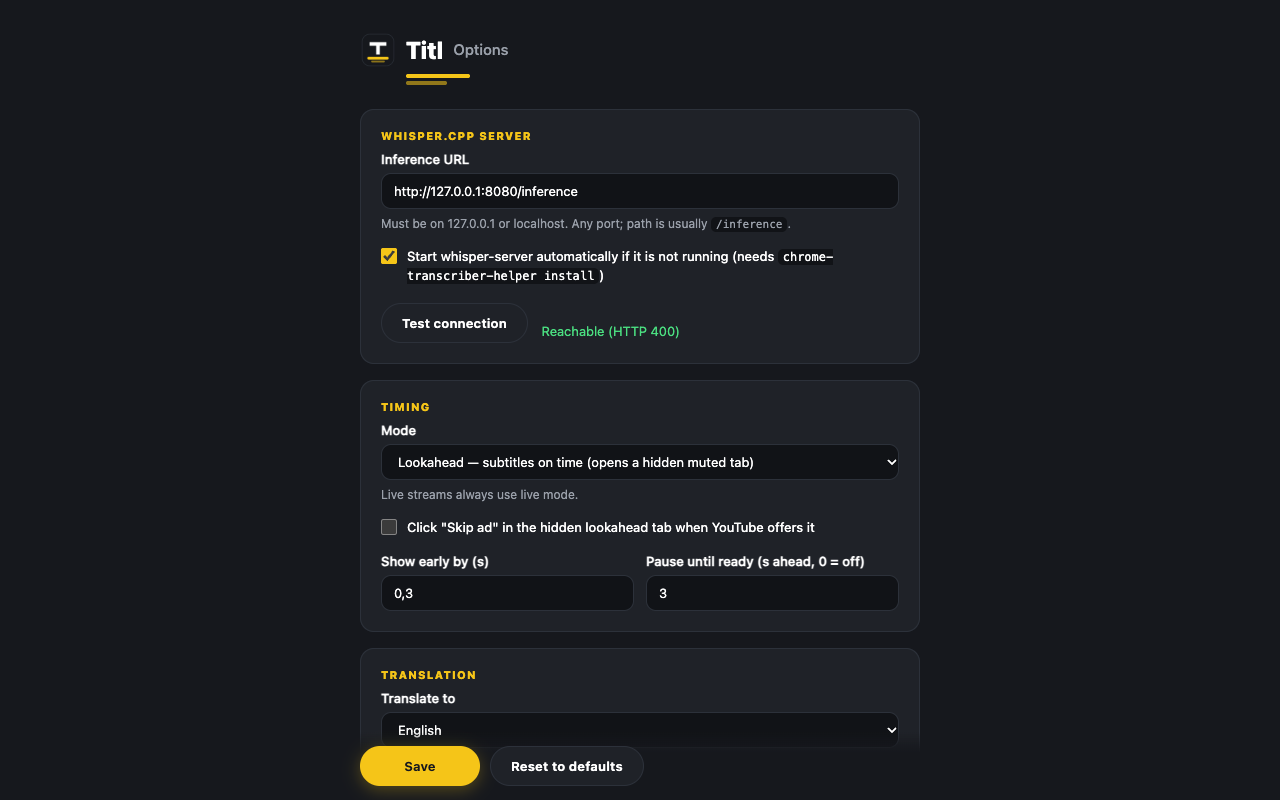
Turn it on in Options → Translate to. Chrome translates each line right on your computer, and nothing is sent to a translation service. The language downloads once. Lines are translated a few seconds before they appear, so there's no delay. You can show the original above the translation, or blur the translation and reveal it with V.
Can the translation be even better?
Yes, on a powerful computer. Titl can translate with a free AI model, such as Google's Gemma, running on your own computer. It reads the lines around each sentence, so sentences split across lines come out right and names stay the same throughout. Nothing leaves your computer. It needs about 7 GB of disk space and 12 GB of memory. Set it up once with the step-by-step guide, then choose Options → Translator → Local LLM.
Do I need a powerful computer?
No. On computers without a strong graphics card, Titl uses a lighter model that still keeps up with the video. At most, you'll wait a few extra seconds before the video starts.
What does it cost?
Nothing. Titl is free and MIT-licensed. If it helps you, support Titl on GitHub and/or on Ko-fi.